



EPE CUSTOMS
01
Customs supervision
Decision 247/QĐ-TCHQ sets out viewing positions, connectivity, storage, data usage and incident handling for cameras at export processing enterprises.
Read Decision 247 Customs CamerasSolutions for EPE businesses
Survey, design, storage and connectivity in one coherent plan for each plant.
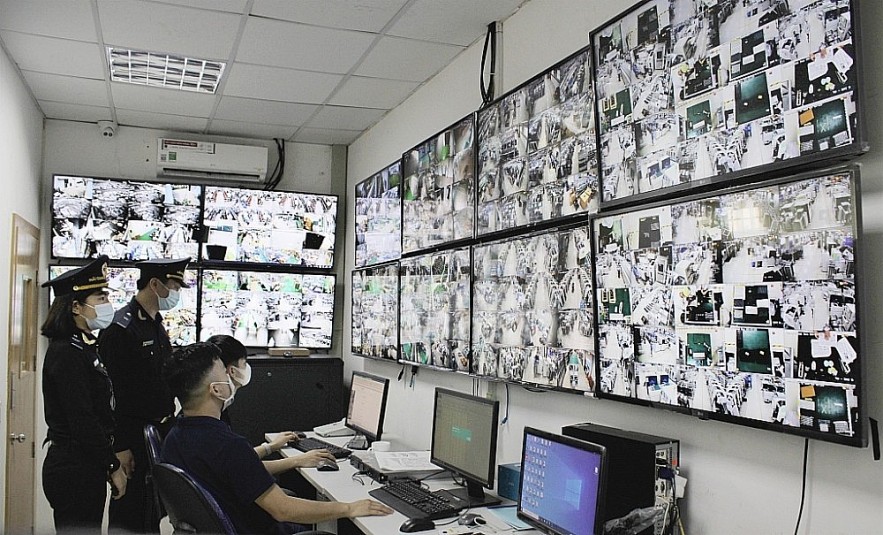
A customs camera system is the surveillance a business installs at its gates, yards and warehouses so the customs authority can track goods moving in and out. Images must be clear, footage is stored on site, and customs can access it online when needed.
Export processing enterprises (EPEs), bonded warehouses, container freight stations (CFS) and inland container depots (ICD) under customs supervision.
Decision 247/QĐ-TCHQ for EPEs, Decrees 68/2016 and 67/2020 for warehouses and depots, and QCVN 11:2026/BCA on cybersecurity for IP cameras.
Read licence plates and container numbers at the gate, cover yards and warehouses in full, keep footage for at least 12 months and stay connected online to customs.
If image quality does not meet the requirements, the business has to reinstall to the standard. A review before handover avoids doing the work twice.
Cameras, storage and bandwidth have to be sized as one system, against the real site and the way it is actually run.
Place cameras at gates, warehouses and yards with the angle each area needs.
Choose capacity from camera count, image quality and the 12-month retention target.
Set up bandwidth, accounts and clear access scopes for both the business and the customs authority.
Prepare backup power, an inspection schedule and a response plan for when a camera or a link fails.
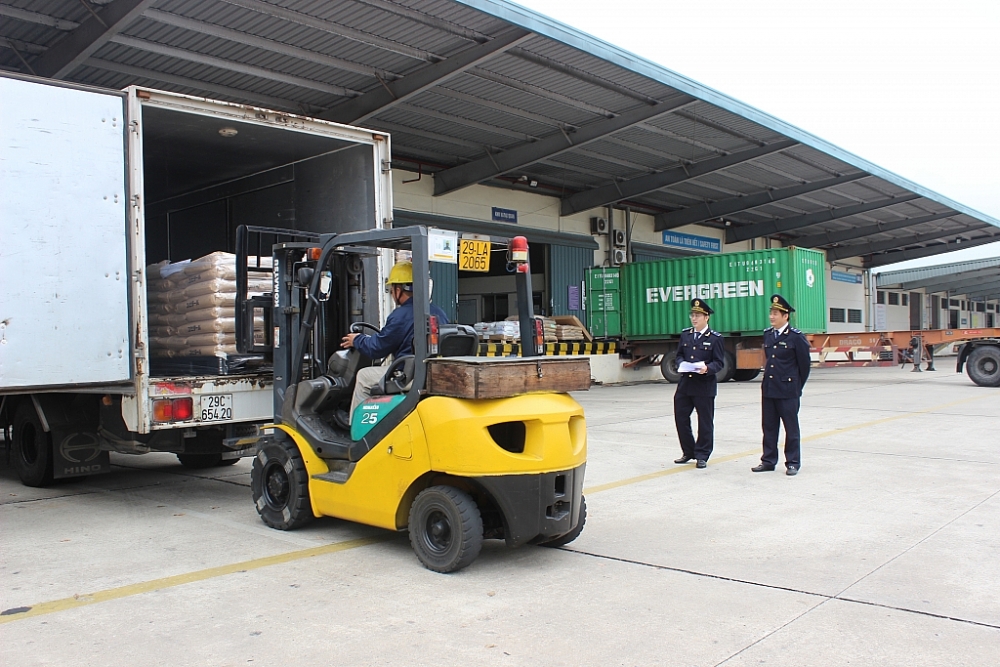
The EPE supervision requirements and the cybersecurity requirements for IP cameras cover different ground. A sound proposal identifies both correctly before any equipment is chosen.
Decision 247/QĐ-TCHQ sets out viewing positions, connectivity, storage, data usage and incident handling for cameras at export processing enterprises.
Read Decision 247QCVN 11:2026/BCA sets baseline cybersecurity requirements for IP cameras manufactured, traded or imported in Vietnam.
Open the official sourceTwo things to keep apart: QCVN 11:2026/BCA does not replace the connectivity and operating requirements in Decision 247/QĐ-TCHQ. When buying equipment, ask for technical documentation that matches your deployment date.
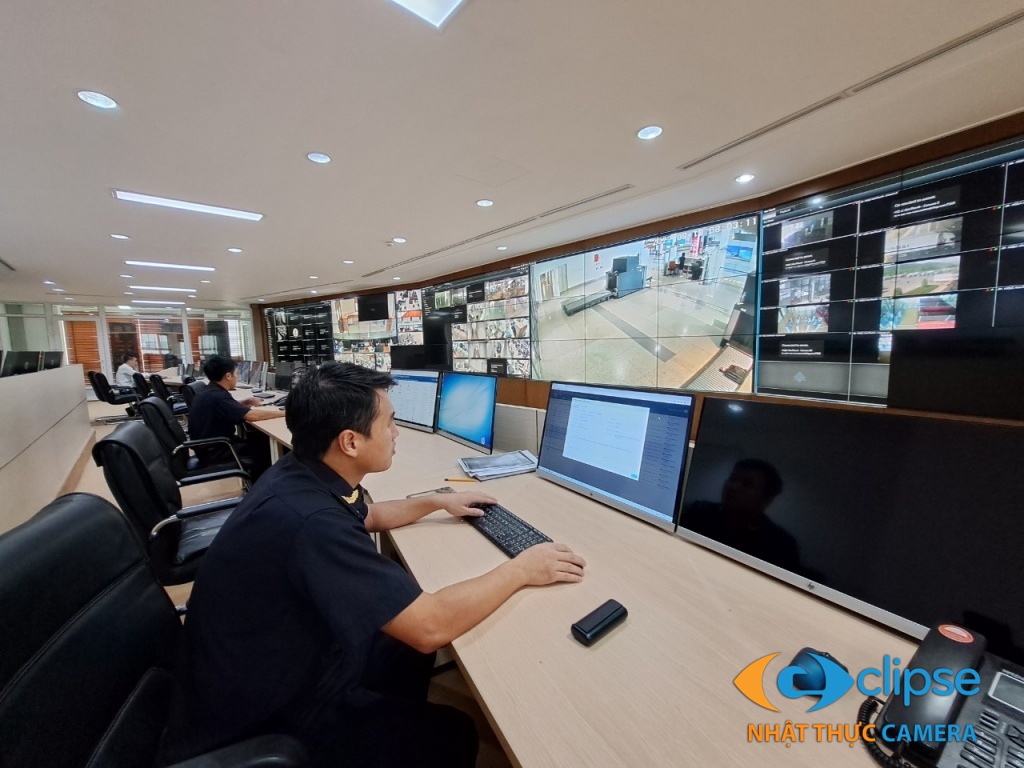
The list below keeps the core technical content of Appendix I, so you can compare it against your equipment documentation before settling the proposal.
Read the detailed analysisSettle the applicable scope first. Decision 247 applies this set of criteria to camera systems at export processing enterprises established after it took effect. An existing system has to be assessed against its establishment date, the condition of the equipment and the actual documentation.
| STT | Specification | Requirement |
|---|---|---|
| Image | ||
| 01 | Image sensor | 1/2.8\", CMOS or CCD technology |
| 02 | Day/Night function | Yes |
| 03 | Resolution | 1920 × 1080 |
| 04 | White balance | Yes |
| 05 | Video compression | At least one of M-JPEG, H.264, H.265, H.264+ or H.265+ |
| Optics | ||
| 06 | Focal length | Lower limit 2.8 mm, upper limit 12 mm |
| 07 | Horizontal field of view | At least 33° |
| 08 | Frame rate | 30 fps |
| Network and integration | ||
| 09 | Network protocols | Supports at least one of IPv4, IPv6, TCP, DHCP, HTTP or SNMP |
| 10 | Backlight compensation | At least 146 dB at 1920 × 1080, or 120 dB at 2560 × 1440 |
| Environment | ||
| 11 | Dust and water protection | IP67 |
| 12 | Maximum operating temperature | 60°C |
| 13 | Light sensitivity | No more than 0.0225 lx in colour mode, 0 lx with IR |
| Network and integration | ||
| 14 | ONVIF compliant | Yes |
| Equipment safety | ||
| 15 | Safety standard | One of EN 60950-1, cUL 60950-1 or CAN/CSA-C22.2 No.60950-1-07 |
Each type has its own site, its own handling procedures and its own legal basis. Getting the group right avoids applying one generic configuration everywhere.
Settle the applicable scope, monitoring points, storage capacity and connectivity plan while the investment file is still being prepared.
Work out what can be kept and what needs upgrading before the infrastructure or the operating model changes.
Survey goods flow, warehouse gates, storage yards and handling procedures to pick the right viewing angles.
A large site with heavy vehicle traffic needs an industrial-grade camera plan and its own operating procedures.
Tick what you already have. The result lets the survey focus on what is still missing.
From the equipment on site, to the data, to support after handover.
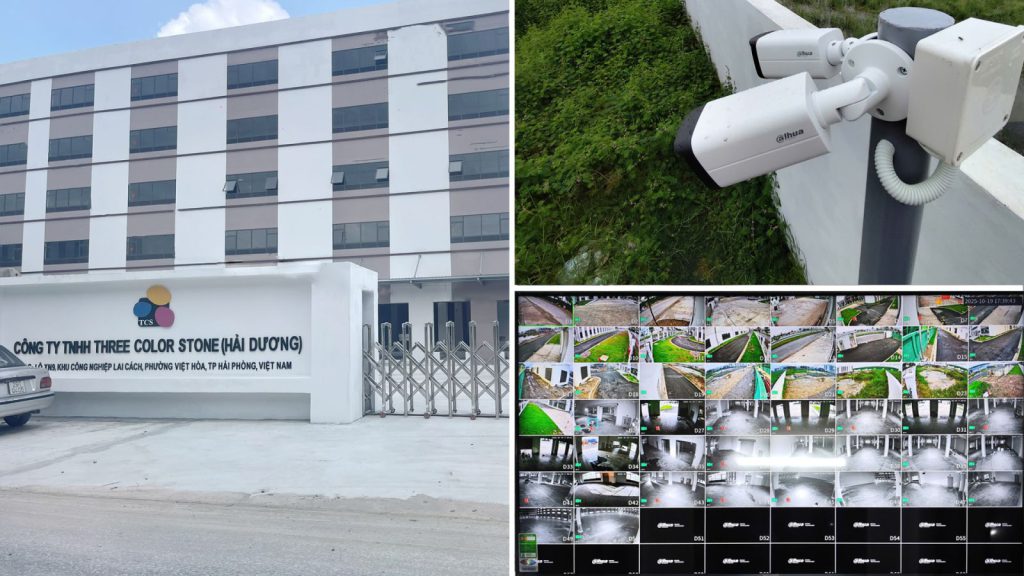
Survey the site, select equipment and set viewing angles for the plant, the warehouses and the control gates.
Explore the solutionSize capacity, bandwidth and access rights so the system runs without gaps.
See the infrastructure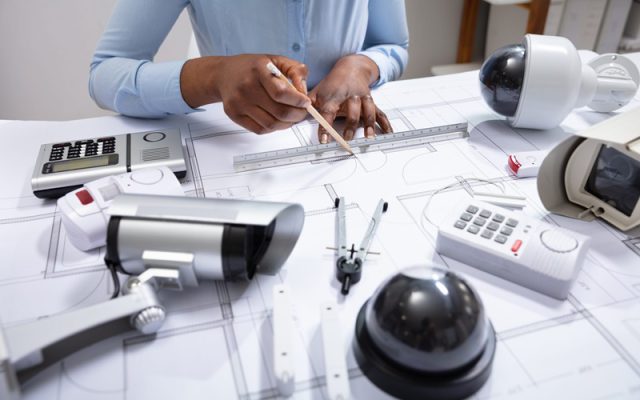
Check image, storage and links so problems are caught before they bite.
See the service
Change the three settings to see the expected raw data volume. It gives you a starting size for recorders, drives and the local network.
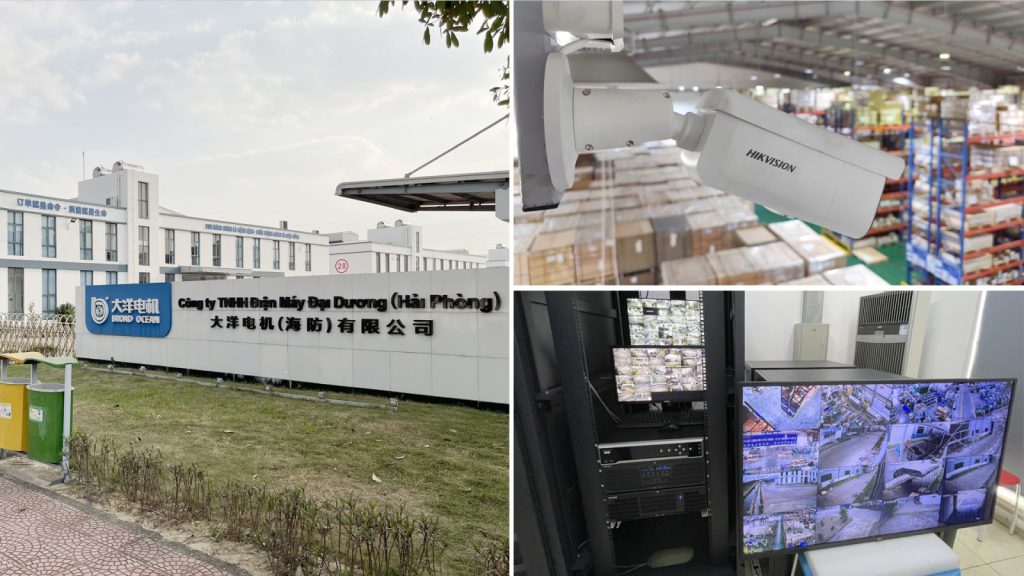
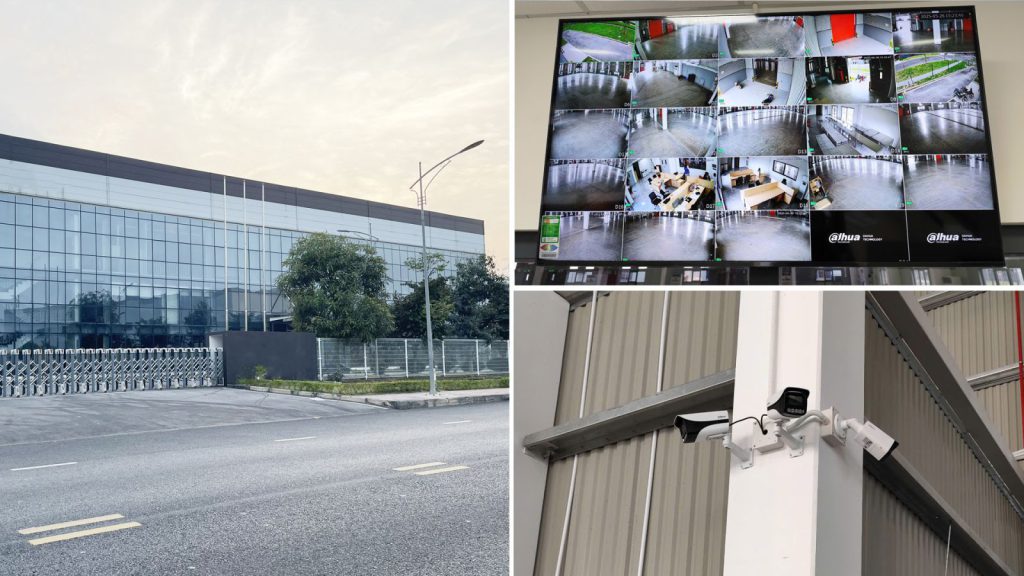
Pick a project to see its scale, location and real handover photos.
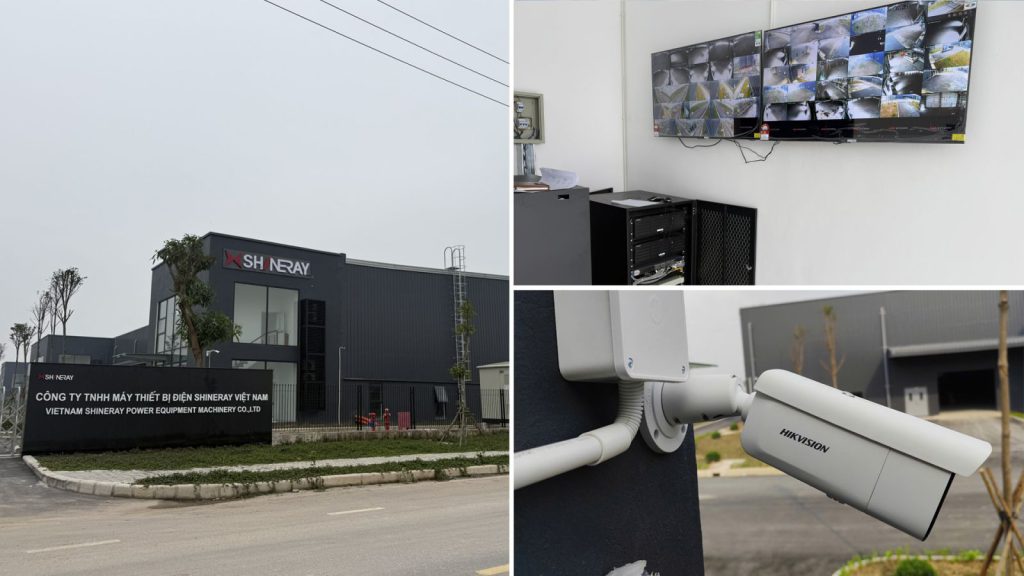
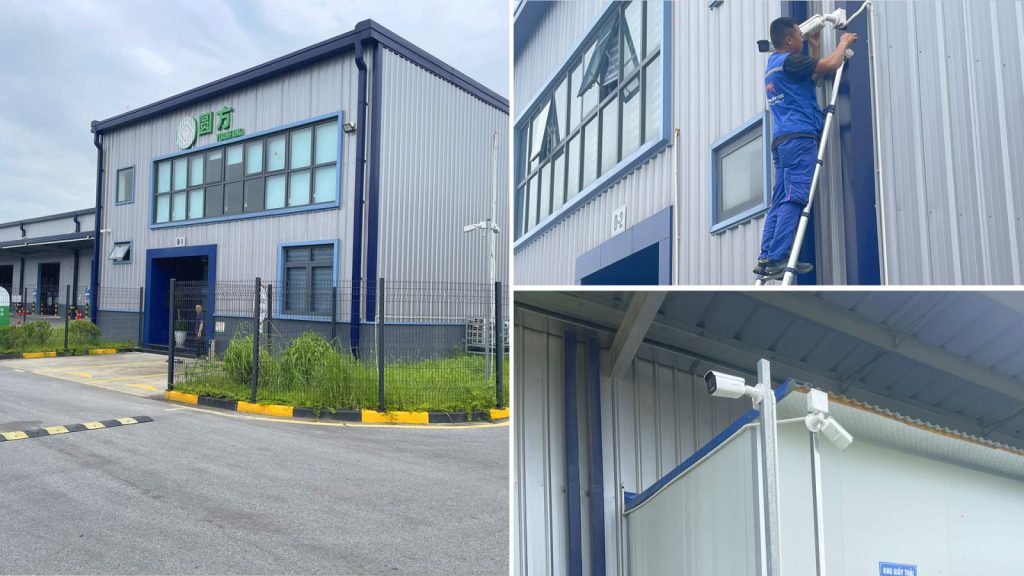
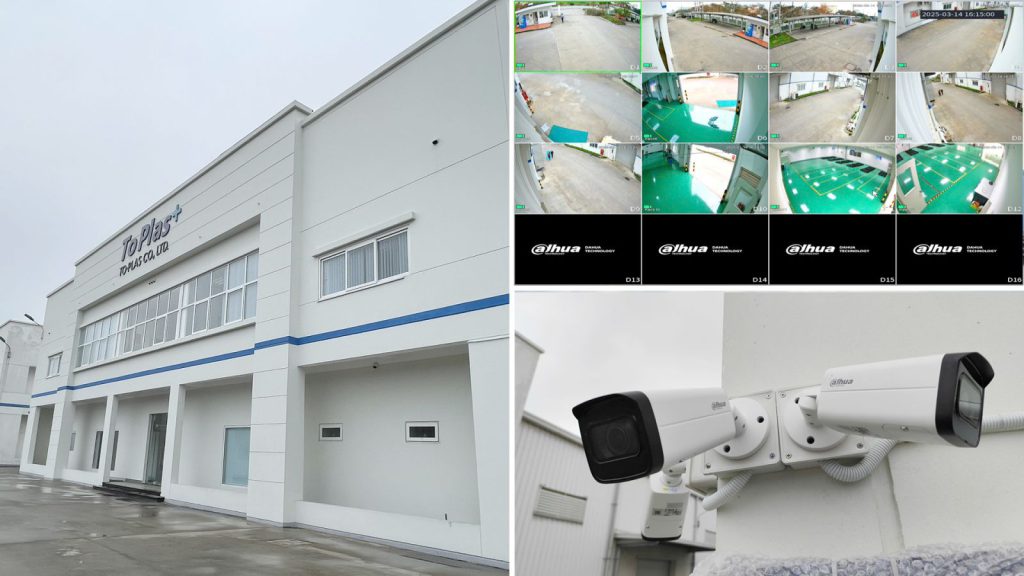
Coverage in newspapers and trade magazines of Nhật Thực's Customs camera solutions.
 Camera hải quan khu chế xuất EPE: Nhật Thực cung cấp giải pháp lắp đặt trọn gói
 Nhật Thực: Đối tác chiến lược cung cấp giải pháp camera hải quan cho doanh nghiệp chế xuất
 Nhật Thực cung cấp giải pháp, thiết kế và lắp đặt camera Hải quan EPE trọn gói
 Dự án lắp đặt camera Hải Quan EPE: Dấu ấn năng lực thi công của Công ty Nhật Thực
 Dịch vụ lắp đặt camera Hải quan chuẩn tổng cục tại Nhật Thực
 Giải pháp camera hải quan cho doanh nghiệp EPE, Công ty Nhật Thực
 Nhật Thực: Tiêu chuẩn kỹ thuật về lắp đặt camera giám sát hải quan EPE
 Nhật Thực: Đối tác chiến lược cung cấp giải pháp camera Hải quan cho doanh nghiệp chế xuất
 Nhật Thực: Đơn vị hàng đầu về lắp đặt camera Hải quan
 Camera Nhật Thực, đơn vị phân phối camera chính hãng chất lượng
 Nhật Thực: Giải pháp camera Hải Phòng uy tín, giá rẻ
 Nhật Thực: Top đơn vị lắp đặt camera Hải quan chuyên dụng
Each step settles one piece of input or output, so you can follow the proposal from current state through to handover.
Collect the site plan, what needs watching, and the system in use.
Check gates, warehouses, yards, viewing angles, power and network infrastructure.
Produce a numbered layout and work out storage, connectivity and the cost range.
Mount the cameras, run the cabling, set permissions and configure recording.
Verify image quality, retrieval, storage and access.
Hand over the layout, the configuration, the test results and the operating guide.
Every handover item is checked against the scope agreed in the proposal and the quotation.
Discuss the handover documentationWhere each camera sits, which way it looks and how it is identified.
Equipment list, recording settings, storage and connectivity.
Image, recording, retrieval and connectivity as recorded at handover.
How to use it, who has which permissions, and who to call for support.
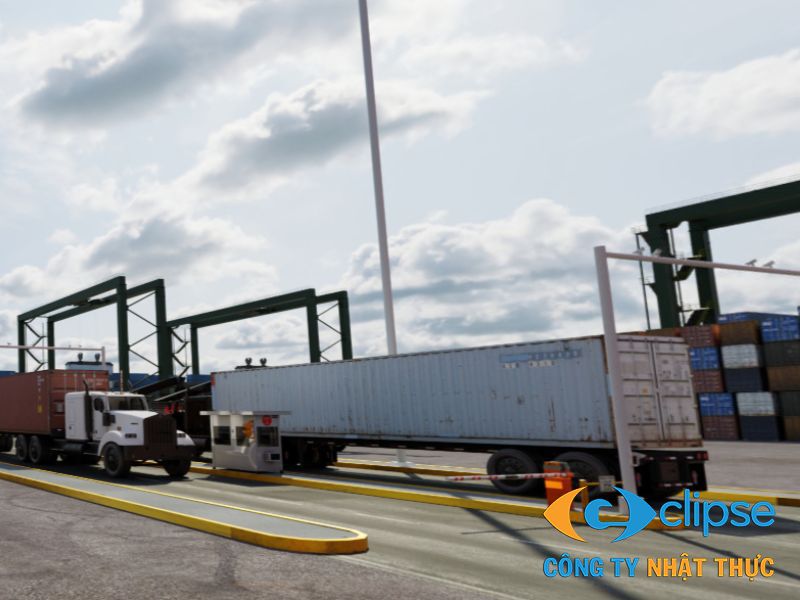
A practical guide to camera locations, image quality, storage, remote access and incident handling for export processing enterprises in Vietnam.
Read the articleEvery plant runs differently. A good answer starts from the real data of the site.
Talk to an engineerThe site plan, where the warehouses and gates are, details of the existing system, and the supervision requirements you have been given.
Possibly, once we have checked the image quality, recording, storage and connectivity of the current equipment.
It depends on the camera count, storage capacity, bandwidth, materials and the actual site conditions.
Training, connectivity checks, troubleshooting support and maintenance advice, within the agreed scope.